
The Digital Art Glossary: 70+ Terms Every New Artist Should Know
Layers, lerping, sketch vs lineart, DTIYS, render, values, DPI — a plain-English glossary of the digital art and online art community terms every beginner runs into, in one place.
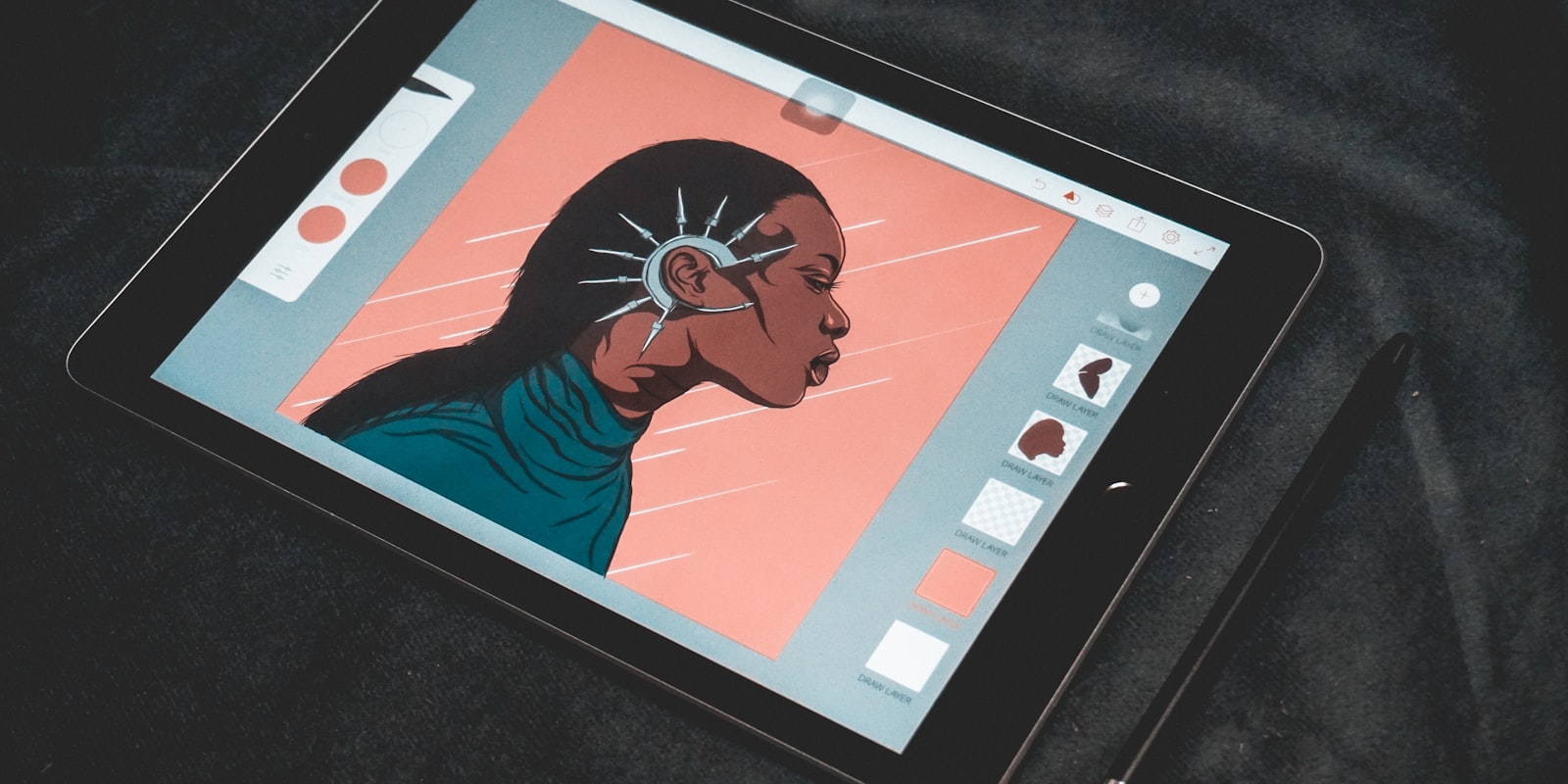
Every field has its dialect, and digital art’s is thick: your first week in any art community serves you “the values are muddy”, “love the lerp on this”, “WIP, might render it later”, and “open for YCH!” with no translator provided. None of it is hard — it’s just never all in one place.
So here it is, in one place: the terms a new digital artist (or a traditional artist coming online) actually meets, in plain English, grouped by where you’ll hear them.
The workflow words
- Canvas — the digital “paper”: your image file, with a size in pixels.
- Sketch / rough — the loose exploratory drawing where pose, proportion and idea get worked out. Meant to be messy.
- Lineart / line work / inks — the clean final lines drawn over a faded sketch. In comics, “inking”.
- Flats / flatting — filling regions with flat, unshaded base colours, typically before any lighting.
- Shading — adding light and shadow over the flats to give forms volume.
- Rendering — the finishing pass: refining light, texture and edges until things feel solid. “Fully rendered” = taken all the way; the opposite end of the spectrum from a sketch.
- Painterly — a style that skips separate lineart and builds the image with visible, brush-like strokes; contrasted with clean “lineart + cel” looks.
- Cel shading — shading in hard-edged blocks (like classic animation cels) rather than soft gradients.
- WIP — work in progress. Posting WIPs is normal and welcome nearly everywhere.
- Study — a drawing made to learn rather than to display: from life, from photos, or from artists you admire.
- Gesture (drawing) — very quick figure sketches (30–120 seconds) capturing motion and weight rather than outlines; the classic warm-up.
- Thumbnail — a tiny, rough version of a composition drawn to test the idea before committing — the heart of composition planning.
- Reference / ref — any image used to inform a drawing (pose, anatomy, lighting, costume). Using reference is standard professional practice, not cheating. A reference sheet is a character’s design documented for others to draw from.
The software words
- Layers — transparent sheets stacked to build an image, so lineart, colours and effects stay separately editable. The defining convenience of digital art.
- Blending modes — rules for how a layer mixes with those below it. The ones you’ll hear constantly: Multiply (darkens — the classic shadow layer) and Overlay/Add/Glow modes (brighten — the classic light layer).
- Clipping mask / clipping layer — a layer that only draws on top of the layer beneath it. How artists shade “inside the lines” without trying.
- Alpha lock — locks a layer’s transparent pixels so you can only paint over what’s already there. The quick version of clipping.
- Opacity — how transparent a layer or brush is.
- Layer mask — hides parts of a layer non-destructively, so nothing is truly erased.
- Brush — digital brushes imitate anything (pencil, ink, oils, chalk) or nothing found in nature. Brush packs are shared/sold sets. A stabiliser smooths your stroke as you draw it — the anti-wobble dial.
- Pen pressure — how a drawing tablet maps stylus force to line width/opacity. When it breaks, the internet’s most-asked art-tech question is born.
- Resolution / DPI / PPI — pixel density. Practical version: work at 300 DPI equivalent if you might ever print; screen-only work cares about pixel dimensions, not DPI.
- Raster vs vector — raster images are made of pixels (most digital painting); vector images are made of mathematical curves that scale infinitely (logos, some lineart styles).
- PNG / JPEG / native files — PNG posts cleanly (lossless, supports transparency); JPEG is smaller but compresses; your program’s native format (PSD, CSP, Procreate) keeps the layers — always keep it.
- Liquify / transform / lasso — the adjustment tools: push pixels around, scale/rotate selections, select free-hand regions. The digital eraser’s more powerful cousins.
- Timelapse / speedpaint — a recorded, sped-up video of a piece being made.
The craft words (what critique actually means)
- Values — how light or dark things are, independent of hue. “The values are muddy” = the lights and darks aren’t organised enough to read clearly — usually the real problem behind “something’s off”. The heavy lifting of colour theory happens here.
- Hue / saturation — which colour a thing is / how vivid it is. With value, the three dials of every colour.
- Palette — the limited set of colours a piece (or character) is built from.
- Composition — the arrangement of everything in the frame to steer the eye; why some images just work.
- Focal point — where the image wants you to look first.
- Silhouette — the readability of a shape filled in solid black; the spine of character design.
- Anatomy / proportions / perspective / foreshortening — the classical fundamentals: body structure, relative sizes, the geometry of depth, and the way forms compress when pointed at the viewer.
- Construction — building drawings from simple 3D forms (boxes, cylinders, spheres) rather than outlines.
- Line weight — deliberate variation in line thickness; the difference between dead lines and lively ones.
- Edges (hard/soft/lost) — how sharply forms transition into their surroundings; “lost edges” melt into shadow on purpose.
- Style — the recognisable sum of an artist’s choices — which, per our style guide, is accumulated rather than found.
The community words
- OC — original character: one you invented, versus fan art of existing characters. The full OC guide covers creating one; the fan art guide covers the other lane.
- DTIYS — “Draw This In Your Style”: an artist posts a piece and invites reinterpretations under a shared tag.
- Art trade — two artists draw for each other, effort matched. Request — asking for free art (only where invited). Commission — paid work to a client’s brief; see how commissions work. Confusing these three is the classic newcomer stumble.
- YCH — “your character here”: an artist sells a pre-composed piece with the buyer’s character painted in.
- Adopt(able) — a character design sold for the buyer to own and use as their OC.
- Collab — multiple artists making one piece together; formats and etiquette in the collab guide.
- Art challenge — a shared theme with a calendar and a tag: Inktober, Mermay and the rest of the year-round calendar.
- Redraw — remaking an old piece (often years later) to show growth; a beloved posting genre.
- Art block — the umbrella term for “can’t draw right now”; it’s actually four different problems.
- Tags — the keywords that make work findable; how they work.
- CW / TW — content/trigger warning labels on potentially distressing content.
- NSFW / SFW — not-safe/safe for work; most platforms require marking the former.
- Art theft / reposting — uploading someone’s work without permission; what to do about it.
- Watermark — a visible signature/logo laid over a posted image to deter reposting.
- AI-assisted / AI-generated — work made with generative AI tools somewhere in (or as) the process; platform rules on labelling it vary widely — the full policy roundup compares them.
Keeping up with the dialect
Nobody memorises this list — the vocabulary sticks the way any language does, by immersion. Hang around artists, read critique threads, post work and ask questions; within a month “clip a multiply layer over the flats” will parse as effortlessly as “good morning”. (That immersion is most of the argument in how communities speed you up — the jargon comes free with the friendships.)
Final thoughts
Art jargon is a doorway that looks like a wall: seventy small words, every one of them learnable in a sentence, standing between “everyone here speaks in code” and “oh, that’s just how we say it”. Bookmark this page for the next acronym ambush — and the first time you catch yourself typing “love the values in this WIP”, consider the dialect officially yours.
Frequently asked questions
What does "render" mean in digital art?
Rendering is the finishing stage of a digital painting — refining light, shadow, texture and edges until forms feel solid and polished. "Fully rendered" describes a piece taken to a high level of finish, as opposed to a sketch or flat-coloured work.
What does OC mean?
OC stands for "original character" — a character invented by the artist rather than drawn from an existing franchise. The opposite of fan art.
What is the difference between lineart and a sketch?
A sketch is the rough, exploratory drawing where proportions and pose are worked out; lineart is the clean, confident final line drawing made over the sketch, usually on a new layer with the sketch faded underneath. Many workflows go sketch, then lineart, then flat colours, then shading and rendering.
What do "values" mean in art?
Value is how light or dark something is, independent of its colour. Artists talk about values constantly because the pattern of lights and darks — the value structure — is what makes an image readable, more than hue does.