Getting Into 2D Animation: A No-Overwhelm Guide for Illustrators
Making your drawings move is less mysterious than it looks. This is a beginner's roadmap to 2D animation — the core principles that matter most, the tools worth starting with (including Procreate Dreams 2), and a first project you can actually finish.
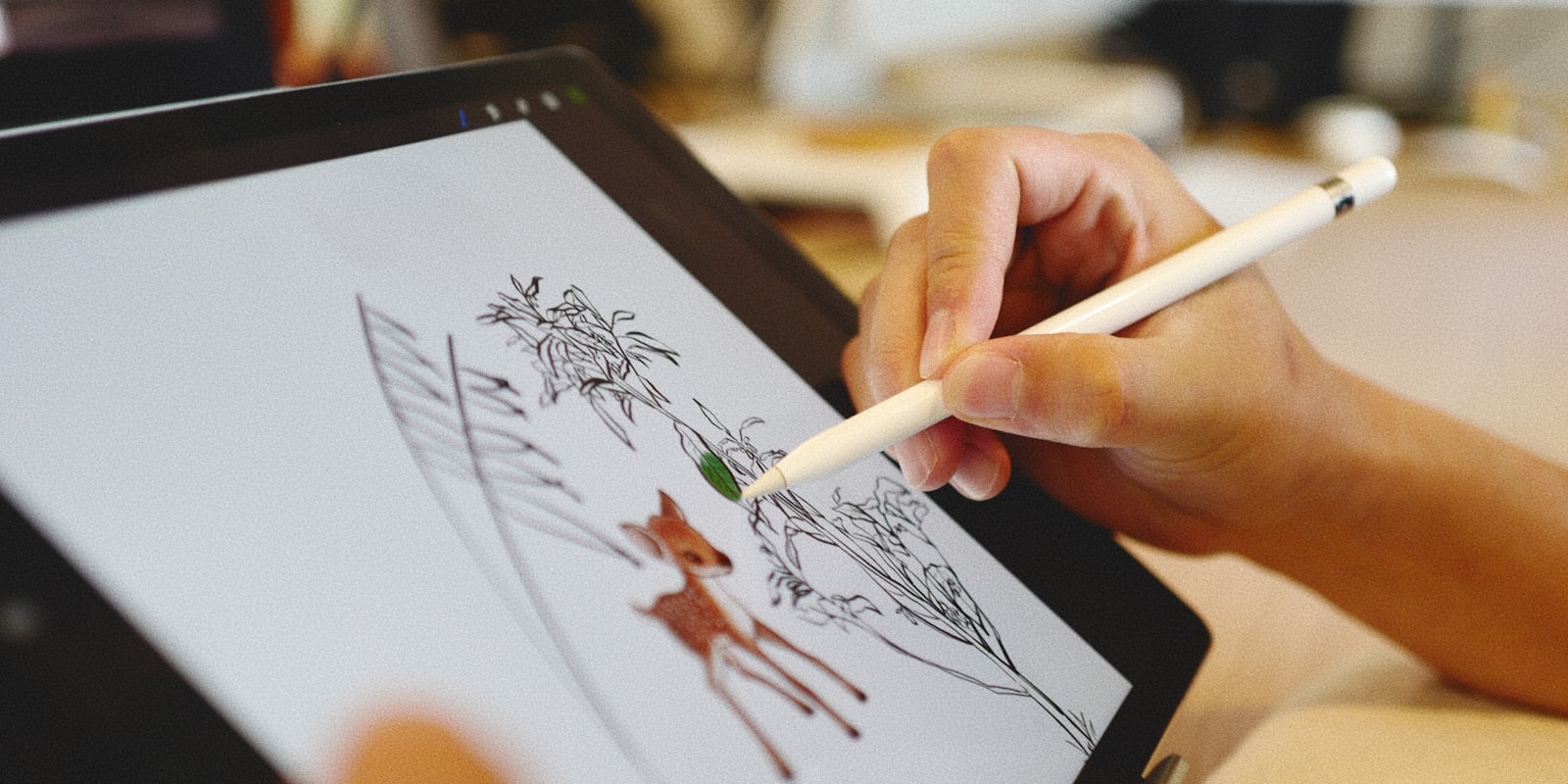
If you can draw, you’re most of the way to being able to animate — you’re just missing one idea: the same drawing, changed a little, many times. That’s the whole secret. Animation feels like a separate, intimidating discipline, but for an illustrator it’s less a new language than a new tense: the same skills, applied to a character over time instead of in a single frozen moment.
The barrier is rarely talent. It’s overwhelm — too many frames, too much software, too big a first project. This guide is built to remove exactly that. Here’s how to make your drawings move without drowning.
Start absurdly small
The classic beginner mistake is trying to animate a full character doing something cool as the first thing. It’s the animation equivalent of learning to swim in the deep end. Instead, your first four projects should be, in order:
- A bouncing ball. It teaches timing, spacing, squash and stretch — the foundations — with a shape you can draw in one second.
- A blinking eye. Just a few frames, but it introduces holds and anticipation.
- A waving hand or a flag. Your first taste of overlapping, flowing motion.
- A short character action — a head turn, a jump, a wave. Now you use everything above.
Each of these is finishable in a sitting. Finishing is the point: a complete two-second loop teaches you more than a half-built masterpiece ever will. This is deliberate practice in its purest form — small, targeted, repeatable reps.
The handful of principles that matter early
Animation has a famous set of twelve principles, but you don’t need all twelve to start. Four carry most of the weight:
- Timing — how many frames an action takes. Fewer frames = faster, snappier motion; more = slower, heavier. Timing is the acting.
- Spacing — how far the subject moves between frames. Even spacing reads as constant speed; bunching frames at the ends (slow-in, slow-out) makes motion feel natural.
- Squash and stretch — deforming a shape as it moves gives it weight and life. The bouncing ball is the whole lesson in one exercise.
- Anticipation — a small wind-up before an action (crouch before a jump) makes it read clearly. Motion without anticipation looks robotic.
Learn these four on the ball and the blink, and everything later is variations on them.
Frames per second, demystified
The number that scares beginners — “24 frames a second?!” — is much friendlier in practice. Most 2D animation is drawn on twos: each drawing is held for two frames, so 24fps footage only needs about 12 drawings per second. Plenty of appealing animation runs even simpler, at 8–12fps, which looks deliberately crisp and roughly halves your workload.
The takeaway: you are almost never drawing every single frame. Start on twos, or slower. You can always add frames where motion needs to be smooth and hold longer where it doesn’t.
The tools, from free to worth-paying-for
You do not need to buy anything to begin — and you may already own an animation tool without realising it.
Free and excellent:
- Krita — a full painting app with a genuine frame-by-frame animation timeline. A brilliant, no-cost starting point, and already on our list of best free art programs.
- OpenToonz — the open-source descendant of the software used on major studio productions. More powerful, steeper learning curve.
You might already have it:
- Procreate and Photoshop both include frame-by-frame animation timelines. If you already make digital art in one of these, you can animate today with zero new purchases or learning curve on the interface.
Worth paying for — Procreate Dreams:
- Procreate Dreams is a dedicated iPad animation app built by the makers of Procreate, and its late-2025 Dreams 2 update added the tools early users most wanted — selections, transform, and expanded frame-by-frame control — plus a large dedicated animation brush library. It’s a one-time purchase, no subscription, which makes it one of the most approachable serious animation tools available. If you already draw on an iPad, it’s the most natural on-ramp from illustration to animation there is.
Whatever you pick, resist tool-shopping as procrastination. The bouncing ball looks identical in free Krita and paid Dreams. Pick one, start.
Your first real project: a two-second loop
Once the ball bounces convincingly, make a short looping animation of your own character — a wave, a blink-and-smile, a bit of idle “breathing.” Loops are the ideal first character project because they hide the hardest part (a clean start and end) inside the repeat, and they’re endlessly shareable.
A workflow that keeps it manageable:
- Thumbnail the key poses first — the start, the extreme, the return. These “keyframes” are the skeleton.
- Add the in-betweens only where motion needs smoothing. Work on twos.
- Do a rough pass before a clean one. Get the movement right in scribbles before you commit to line and colour — cleaning up a bad motion just gives you a tidy bad motion.
- Loop-test constantly. Play it back every few frames. Animation is felt in motion, never judged frame by frame.
The same instinct that helps you find your art style in stills applies here: your timing and sense of movement become part of your voice.
Sharing animation (a small technical note)
Finished loops live best as short video or GIF. Keep them brief, loop them cleanly, and export at a size platforms won’t crush. Animation is unusually good at stopping a scroll — motion is a discovery advantage in its own right, and pairs well with everything in our guide to how tags help people find your art. A three-second character loop can travel much further than a static piece of the same character.
Final thoughts
Animation isn’t a talent you either have or don’t — it’s a set of small, learnable habits stacked on the drawing skills you already own. Start with the ball, keep the projects tiny, finish them, and let each loop teach you the next. The gap between “I draw” and “I animate” is narrower than it looks; it’s mostly just the willingness to draw the same thing twice.
When you’ve got a loop you’re proud of, it deserves a home alongside the rest of your work and the people who’ll cheer it on — which is exactly what artbase is for — and it’s open to everyone now.
Frequently asked questions
What is the easiest way to start 2D animation?
Start with a very short frame-by-frame loop — a bouncing ball, a blinking eye, a waving hand — in an app you already know, then move to a dedicated animation tool once you understand frames and timing. Beginning small and finishing something is far more valuable than choosing the "perfect" software.
Do I need expensive software to animate?
No. There are strong free options like Krita and OpenToonz, and affordable paid ones like Procreate Dreams, which is a one-time purchase rather than a subscription. Many illustrators also animate directly in tools they already own, such as Procreate or Photoshop, using their frame-by-frame timeline.
How many frames per second should a beginner animate at?
Most 2D animation is drawn "on twos" — one drawing held for two frames — which at 24fps means about 12 drawings per second of motion. Beginners often work even simpler, at 8 to 12 frames per second, which looks intentionally snappy and cuts the drawing workload roughly in half.
How long does it take to learn animation?
You can make a satisfying bouncing-ball loop in an afternoon and a short character action in a few weeks of practice. Real fluency takes longer, but animation rewards consistent short exercises far more than occasional big projects — the same deliberate-practice principle that applies to drawing.